
Reply sentFriday, 19:42
Sales automation
The enquiry that used to wait until Monday
A lead fills in your website form on Friday evening. By the time your team is back, it has been answered, logged and booked for a call.

AI automation for modern business
Automate repetitive work, connect your systems, and give your team more time to focus on growth.
We build on the tools your team already uses
Where the time goes
Pick the task you recognise. Each one is a workflow Gionix has automated for businesses like yours.
Enquiries wait hours or days for a reply and go cold.
Records are missing, duplicated or out of date.
The same ten questions arrive by chat, WhatsApp and email.
Back-and-forth to find a time, then no-shows anyway.
Someone spends Monday morning copying numbers into a deck.
Social and email go quiet whenever the team gets busy.
Invoices, renewals and appointments slip because nobody chased.
Copy from the form, paste into the sheet, email the team.
What changes
A new lead is qualified, logged against the right record and answered with a relevant message, at nine on a Sunday evening as readily as on a Tuesday morning.
Follow-ups, reminders, chase-ups and reports run to schedule whether or not the person who usually handles them is in the office that day.
The repetitive half of the work runs itself, so people handle the conversations and decisions that genuinely need a person.
What we do
Six automation areas that give the time back, plus the website and marketing that keep the enquiries coming.
Capture, qualify and follow up with leads automatically.
See howGive customers faster answers across chat, WhatsApp and email.
See howKeep campaigns, content and customer journeys moving.
See howRemove repetitive admin and internal workflows.
See howTurn scattered business information into dashboards and reports.
See howCreate, repurpose and publish consistently.
See howWebsites and landing pages wired to your CRM and follow-up.
See howGoogle, Meta and LinkedIn campaigns with every lead tracked and answered.
See howCase studies
What changed for real teams once repetitive work stopped depending on people remembering.

A growing online retailer was spending most of its support time on order status questions. Gionix connected WhatsApp to the store so those questions answered themselves.
Read the story
A brokerage receiving leads from portals, Facebook and its website struggled to respond before agents finished their viewings. Gionix built an instant response and qualification workflow.
Read the story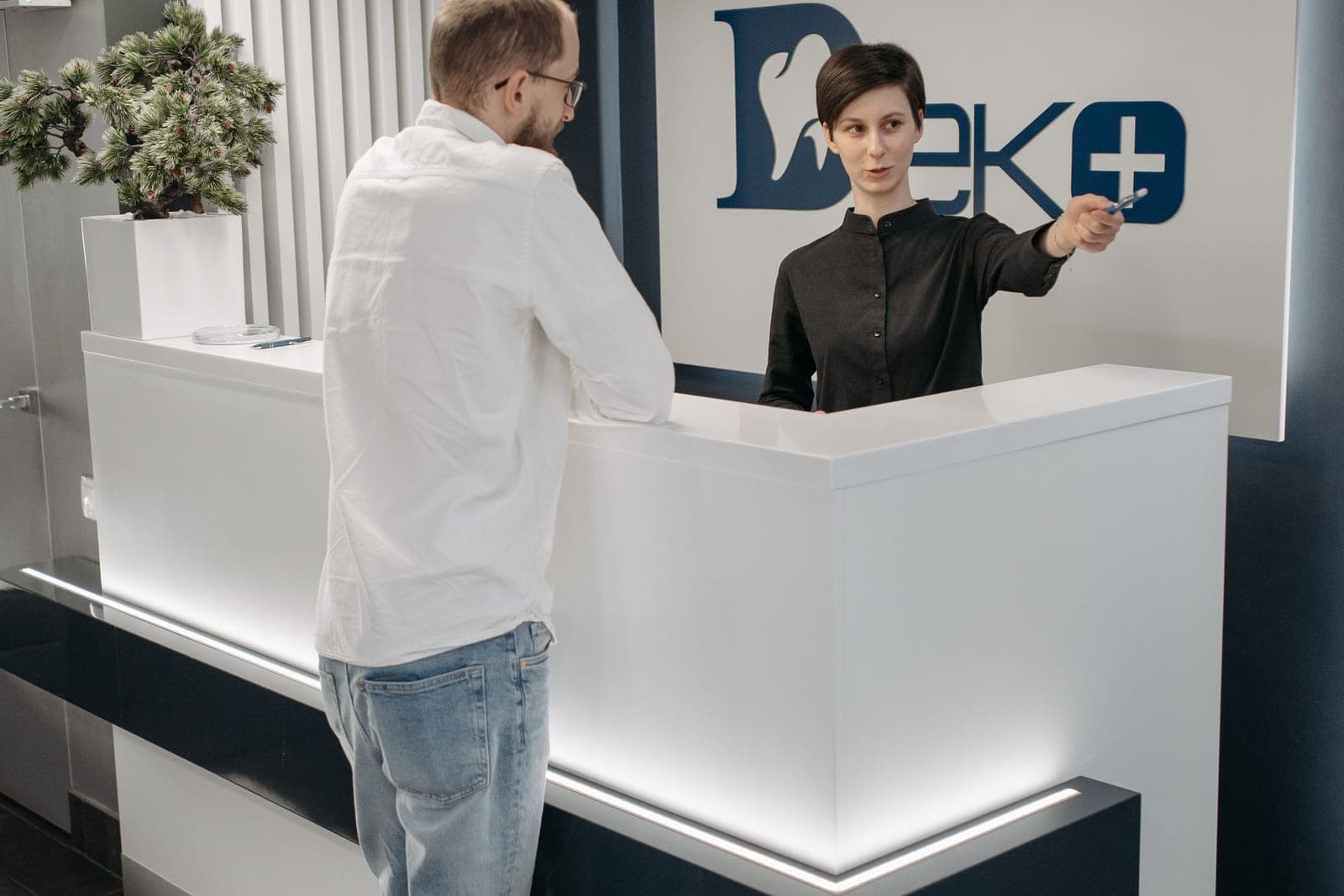
A clinic with several practitioners was losing bookable hours to no-shows and answering the same questions at reception all day. Gionix automated reminders and routine patient questions.
Read the storyWhat it looks like in practice
Sales automation
A lead fills in your website form on Friday evening. By the time your team is back, it has been answered, logged and booked for a call.

Customer support automation
Customers ask about delivery, prices and opening hours all day. Each one gets an accurate answer in seconds, and anything unusual reaches a person.

Data & reporting automation
Numbers from your CRM, accounts and ads are collected overnight and land in one short summary before the first coffee.
Why Gionix
Four things we do differently, and the reasons clients tell us they stayed.
The website, the campaigns and the automation behind them are built by the same people. A lead never falls into the gap between your web agency, your ads agency and whoever set up the CRM.
Every workflow is built and demonstrated on test data first. Nothing reaches a real customer, a real inbox or a real record until you have seen it working and said yes.
We connect your CRM, inbox, calendar and helpdesk through their own APIs. There is no Gionix platform to rent, no migration, and nothing that stops working if you leave.
You set the boundaries: what automation may do on its own, and the point at which it must stop, hand the conversation to your team and attach the full history.
How it works
A clear, four-step process. You see a working version before anything touches live data.

In plain terms
You describe how work happens today. We turn the repetitive parts into workflows that run on their own.
No technical knowledge needed on your side, and nothing goes live until you have seen it working.
We identify repetitive processes and automation opportunities.
We design, connect and test the workflow.
Your automation goes live.
We monitor and optimize it as your business evolves.
Industries and services
The same workflow looks different in a clinic, a brokerage and an online store. Start from your industry or from the service you need.
By industry
All industriesFAQ
Straight answers on what automation involves, what it costs and how it fits your existing software.
AI automation connects the tools your business already uses and adds a layer of judgment to the repetitive steps between them. A workflow can read an enquiry, decide what it is about, update the right record, send a relevant reply and hand anything unusual to a person. The result is less manual work and faster, more consistent responses.
Most processes that follow a recognizable pattern: lead follow-up, CRM updates, customer questions, appointment scheduling and reminders, invoice chasing, report generation, content publishing, data entry and moving information between apps. If a task is repetitive and rules-based, or needs light judgment that can be described, it is a good candidate.
Yes. We build around the CRM, inbox, calendar, helpdesk, e-commerce platform and spreadsheets you already have. We connect to tools through their official APIs, webhooks or established automation platforms, so you do not need to replace anything to get started.
No. You describe how work happens today and what a good outcome looks like. We handle the design, connections, testing and documentation, and we explain everything in business terms so your team stays in control.
A single focused workflow, such as automated lead follow-up or appointment reminders, is typically live within a few weeks. Larger projects across several departments are delivered in stages so you see results early rather than waiting for everything to finish.
Yes. Common CRM automations include creating and enriching records from forms and inboxes, deduplicating and standardizing data, moving deals between stages based on activity, assigning owners and triggering follow-ups. We work with HubSpot, Pipedrive, Zoho, Salesforce and many others.
Yes, through the WhatsApp Business Platform. Typical use cases are answering customer questions, sending appointment confirmations and reminders, following up with leads and routing conversations to your team when a person is needed.
Yes, and it is one of the most valuable places to start. New enquiries are qualified, logged in your CRM and answered with a personalized message within minutes, with reminders and multi-channel follow-up if there is no reply.
Every workflow includes a clear hand-off. When confidence is low, the request is unusual or a customer asks for a person, the conversation is routed to your team with full context. Nothing is guessed, and you decide the boundaries.
Yes. Alongside automation we design and build websites and landing pages, run Google, Meta and LinkedIn campaigns, manage social media and SEO, and produce creative. The difference is that everything is connected: enquiries from your site and ads flow straight into your CRM and follow-up automation.
It depends on the number of workflows, the systems involved and how much ongoing support you want. After a short discovery call we provide a fixed-scope proposal so there are no surprises. See the pricing page for how engagements are structured.
Tell us what’s slowing your team down and we’ll show you how it could be automated.